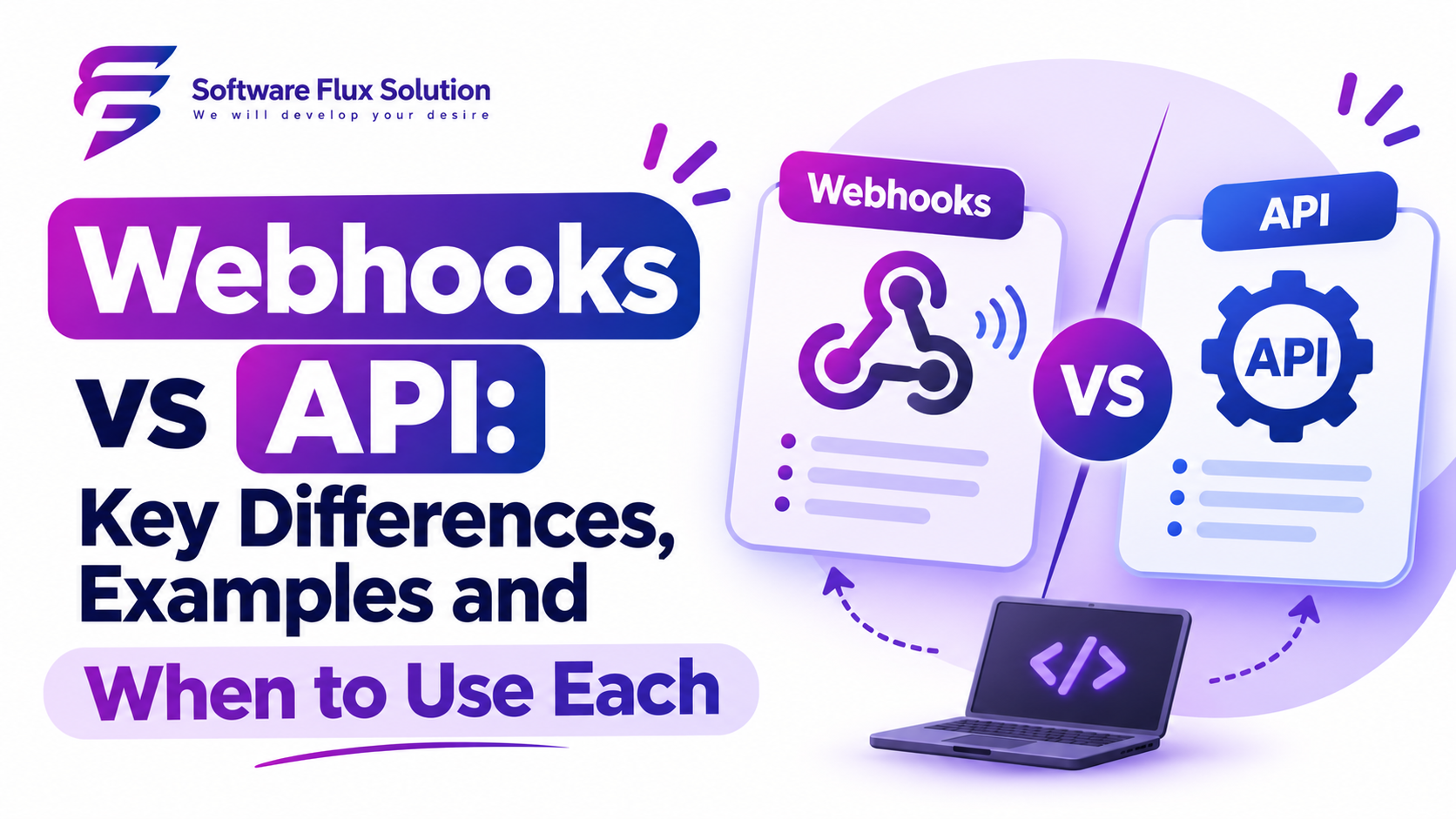
Webhooks vs API: Key Differences, Examples and When to Use Each
If you are building a SaaS product, an integration or any modern web app, you will hit this question sooner or later: should I use a webhook or an API?
The confusing part is that the question is slightly wrong. Webhooks and APIs are not direct competitors. A webhook is a way for one system to push data to another when something happens. A typical API is a way for one system to pull data or trigger an action when it asks. Most good integrations use both.
This guide explains how each works, shows the differences side by side, gives real examples, and helps you choose the right approach for your product.
The Short Answer
- Use an API when your app needs to ask for data or perform an action right now, such as loading a customer record or creating an invoice.
- Use a webhook when your app needs to know that something happened in another system, such as a payment succeeded or a user signed up, without constantly checking.
- Use both for reliable integrations: the webhook tells you something changed, and the API lets you fetch the full details.
What Is an API?
An API (Application Programming Interface) is a set of rules that lets one piece of software talk to another. In web development, the most common type is a REST API over HTTP.
The flow is a request and a response:
- Your app sends a request, for example
GET /customers/123. - The server processes it.
- The server sends back a response, usually JSON.
You are in control of the timing. The data only moves when you ask for it.
GET /v1/orders/8841 HTTP/1.1
Host: api.example.com
Authorization: Bearer YOUR_API_KEY
What Is a Webhook?
A webhook is an automated HTTP request that one system sends to a URL you provide when a specific event happens. Instead of you asking, the other system tells you.
The flow works like this:
- You register a webhook URL, such as
https://yourapp.com/webhooks/payments, with the other service. - An event occurs, for example a customer completes a payment.
- The service sends an HTTP
POSTrequest with the event data to your URL. - Your server receives it, verifies it and acts on it.
The other system controls the timing. You just need an endpoint that is ready to listen.
A typical webhook payload looks like this:
{
  "id": "evt_1042",
  "type": "payment.succeeded",
  "created": 1767225600,
  "data": {
    "order_id": "8841",
    "amount": 4900,
    "currency": "usd"
  }
}
Webhooks are sometimes called “reverse APIs” or “push APIs” because the direction of the call is flipped.
Webhooks vs API: Side-by-Side Comparison
| Feature | API (pull) | Webhook (push) |
|---|---|---|
| Who starts the call? | Your app (the client) | The other system (the provider) |
| When does data move? | When you request it | When an event happens |
| Typical HTTP method | GET, POST, PUT, PATCH, DELETE | POST |
| Best for | Fetching data, performing actions | Real-time notifications and event updates |
| Efficiency | Can waste calls if you poll often | Sends only when something changes |
| Latency | Depends on how often you check | Near real-time |
| Who hosts the endpoint? | The provider | You |
| Main failure risk | Rate limits, timeouts | Missed or duplicate deliveries |
| Typical examples | Load a profile, create a booking | Payment succeeded, form submitted |
What About Polling?
Before webhooks became common, the only way to learn about changes was polling: calling an API every few seconds or minutes to ask, “Has anything changed?”
Polling has real problems:
- Wasted requests. Most calls return nothing new.
- Delay. You only learn about a change at your next poll.
- Rate limits and cost. Frequent polling across many users adds up fast.
Webhooks solve this by sending the update the moment it happens. If you are polling an API every few seconds for the same kind of event, a webhook is almost always the better choice.
Real-World Examples
Example 1: Payments
Your SaaS uses a payment provider for subscriptions.
- API: Your server calls the payment API to create a checkout session or retrieve a subscription.
- Webhook: The provider sends your server an event when a payment succeeds, fails or a subscription is cancelled, so you can update the customer’s access.
If you relied on the browser redirect after checkout, you could miss events when users close the tab. Webhooks are the dependable way to confirm what really happened.
Example 2: CRM and Lead Capture
- API: Your app pushes a new contact into the CRM by calling its create contact endpoint.
- Webhook: The CRM notifies your app when a deal moves to “Won”, so your system can start onboarding.
Example 3: Code Deployment
- API: A script calls the hosting platform to trigger a build.
- Webhook: The platform notifies your chat tool when the build finishes or fails.
Example 4: Mobile Apps
- API: The app requests a user’s order history when the screen opens.
- Webhook: Your backend receives a “shipment dispatched” event from the delivery service and then sends a push notification to the user’s phone.
When to Use an API
Choose an API when:
- A user action needs an immediate response, such as loading a dashboard.
- You need to create, update or delete data on demand.
- You need to search, filter or paginate large sets of data.
- You need exactly the data you request, in the format you request it.
When to Use a Webhook
Choose a webhook when:
- You need to react to events in another system as they happen.
- You want to avoid polling and reduce wasted API calls.
- The other system already supports webhooks for the events you care about.
- Timeliness matters, such as payment confirmations, order status changes or alerts.
The Best Approach: Use Both Together
The most reliable pattern for integrations combines them:
- Webhook: Receive a small event, for example
order.updatedwith an order ID. - API: Call the provider’s API to fetch the current, full order record.
- Your system: Save the result and trigger your own logic.
This “notify, then fetch” pattern protects you from out-of-order events and stale payloads. It also means you rely on the API as your source of truth instead of trusting the webhook body alone.
How to Receive Webhooks Safely
A webhook endpoint is a public URL on your server, so anyone can send requests to it. Treat it like an exposed door.
1. Verify the Signature
Most providers sign each request, usually with an HMAC of the raw body using a shared secret. Check the signature before you trust the payload. Always compare using a constant-time function to avoid timing attacks.
import crypto from "crypto";

function isValidSignature(rawBody, signatureHeader, secret) {
  const expected = crypto
    .createHmac("sha256", secret)
    .update(rawBody)
    .digest("hex");

  const a = Buffer.from(expected);
  const b = Buffer.from(signatureHeader);

  return a.length === b.length && crypto.timingSafeEqual(a, b);
}
Important: verify against the raw request body, not a parsed and re-serialised version. Re-serialising JSON can change the bytes and break verification. The exact header name and signing format differ by provider, so follow their documentation.
2. Respond Quickly With a 2xx Status
Providers expect a fast success response. If you do heavy work inside the request, you risk timeouts and retries.
- Return
200or204as soon as you have verified and stored the event. - Push the real work onto a background queue or job worker.
3. Handle Retries and Duplicates (Idempotency)
If your endpoint is down or slow, providers usually retry, often with increasing delays. That means you can receive the same event more than once.
- Store each event ID and ignore ones you have already processed.
- Design handlers so that running them twice has the same result as running them once.
4. Don’t Assume Order
Events can arrive out of order. An “updated” event may reach you before the “created” event. Use timestamps or version numbers, or re-fetch the latest state from the API.
5. Add Replay Protection
If the provider includes a timestamp in the signed data, reject requests that are too old. This limits the damage if someone captures and resends a valid request.
6. Log Everything
Keep delivery logs with the event ID, status, and processing result. When an integration breaks, logs are the only way to debug what actually arrived.
7. Use HTTPS Only
Never accept webhooks over plain HTTP in production. Use HTTPS so the payload is encrypted in transit.
Building Webhooks Into Your Own SaaS Product
If you run a SaaS platform, offering webhooks to your customers is a strong feature. It lets them connect your product to their own tools without building a custom integration with you.
A solid webhook system for a SaaS includes:
- Clear event types, such as
invoice.created,user.deletedandsubscription.cancelled. - Signed payloads so customers can verify requests came from you.
- Automatic retries with exponential backoff and a maximum retry window.
- A delivery log inside the dashboard, showing status codes and response times.
- A manual resend button for failed events.
- Secret rotation so customers can change their signing secret without downtime.
- Versioned payloads so you can improve the format without breaking existing customers.
- Per-tenant endpoints in multi-tenant systems, with strict separation of data.
This is a good example of a feature that is cheap to design early and painful to retrofit later.
Common Mistakes to Avoid
- Trusting the payload without verifying the signature. Anyone can post to a public URL.
- Doing slow work before responding. This causes timeouts and duplicate retries.
- Not handling duplicates. Customers get charged twice or emails sent twice.
- Using webhooks as the only source of truth. Keep an API-based reconciliation job to catch anything missed.
- Ignoring failures. Without alerts, a broken endpoint can silently miss events for days.
- Exposing secrets in logs or client-side code.
Quick Decision Guide
| Your situation | Choose |
|---|---|
| Load data when a user opens a screen | API |
| Create or update a record on demand | API |
| Know when a payment succeeds or fails | Webhook (confirm with API) |
| Replace a script that checks for changes every minute | Webhook |
| Need guaranteed accuracy of current state | API (as source of truth) |
| Build an integration that must stay in sync | Both |
Frequently Asked Questions
Is a webhook a type of API?
In a broad sense, yes. A webhook is a way of using HTTP between systems, so it is often described as an event-driven or “reverse” API. The key difference is the direction: the provider calls you instead of you calling the provider.
Are webhooks faster than APIs?
Webhooks usually deliver updates sooner than polling because they are sent when the event happens. A normal API call is not slower, but you would have to call it very frequently to get the same freshness.
What happens if my webhook endpoint is down?
Many providers retry for a period of time, but behavior varies. Some stop after a set number of attempts, so you should check your provider’s retry policy and run a reconciliation job using their API.
Do webhooks need authentication?
They need verification. Signature checking is the most common method. Some providers also support secret tokens, mutual TLS or IP allow lists. Do not rely on an unguessable URL alone.
Can I test webhooks on my local machine?
Yes. Use a tunneling tool to expose your local server to the internet, or use the provider’s CLI or dashboard to send test events and replay past ones.
What is the difference between a webhook and WebSockets?
A webhook is a one-off HTTP request between servers when an event occurs. A WebSocket is a long-lived two-way connection, usually between a browser or app and a server, for continuous real-time updates such as chat or live dashboards.
Final Thoughts
APIs and webhooks solve different halves of the same problem. APIs let you ask. Webhooks let you be told. The most dependable integrations use webhooks for speed and APIs for accuracy, with signature checks, idempotent handlers and good logging to keep everything safe.
If you are planning a SaaS product with integrations, billing events or a public API, getting this architecture right early saves a lot of rework. The team at Software Flux Solution designs and builds SaaS platforms with secure APIs, webhook systems and third-party integrations. Contact us to talk through your product.

Zainab Bibi
Senior SAAS Project Manager
1+ Years of Experience in SAAS Projects Management