Headless CMS Architecture: The Enterprise Standard for Content-Driven Websites
What Is a Headless CMS and Why Does It Matter?
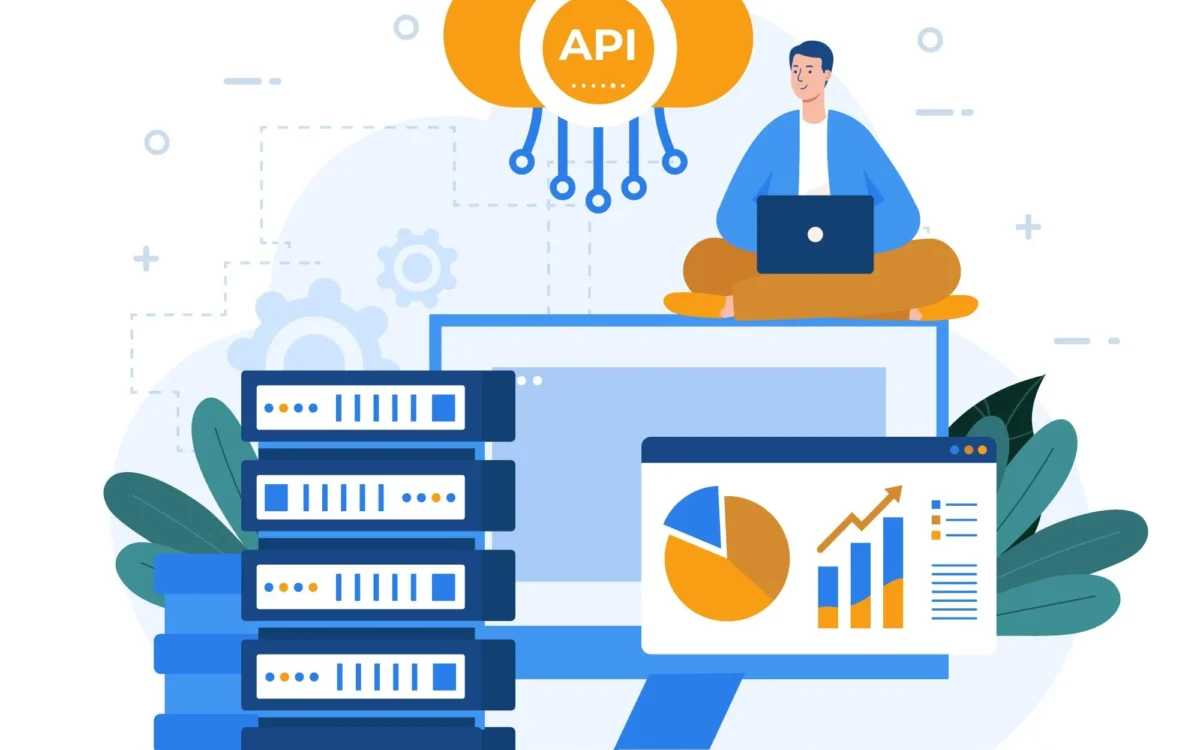
A traditional CMS like WordPress couples content storage, business logic, and presentation into a single application. The “head”, the frontend, is baked in. A headless CMS decouples content storage and management from delivery. Content is stored in a structured repository and served via API (REST or GraphQL) to any frontend: a React web app, a mobile app, a digital signage screen, or a smartwatch. The presentation layer is entirely separate. This architecture emerged from the frustration of enterprise content teams trying to maintain consistent content across an explosion of digital touchpoints. A single piece of content, a product description, a press release, an FAQ answer, should be authored once and published everywhere. Headless CMS makes this possible. Our Website Development development team has been building headless content architectures for enterprise clients since the pattern became mainstream, and the results in content velocity and frontend performance are consistently dramatic.
Headless vs Traditional CMS: The Real Performance Difference
The performance case for headless CMS is compelling. Traditional CMS websites render HTML server-side on each request, querying databases and running PHP or Node processes in the critical path. A headless CMS serving content via CDN-cached API responses, consumed by a statically generated frontend (Next.js, Gatsby, Astro), can achieve Time to First Byte (TTFB) under 50ms and Largest Contentful Paint (LCP) under 1 second on a global CDN, a 5–10x improvement over a typical WordPress site. For enterprise content sites where Google Search ranking directly drives revenue, this Core Web Vitals improvement translates directly to organic traffic gains. Our SEO & Digital Marketing team regularly sees 40–80% improvements in crawl budget utilisation after migrating clients from traditional to headless CMS architectures.
Choosing Between SaaS Headless CMS and Self-Hosted Options
The headless CMS market has matured into two distinct categories: SaaS headless CMS platforms and self-hosted or open-source options.
- SaaS options (Contentful, Sanity, Storyblok, Hygraph): Managed infrastructure, rich SDKs, built-in CDN, and fast onboarding. Monthly costs scale with API calls and content size. Best for teams that want to focus on content, not infrastructure.
- Self-hosted options (Strapi, Directus, Payload CMS): Full data ownership, no per-seat or usage pricing, and complete customisation of the content model and admin UI. Requires DevOps capacity to maintain. Best for enterprises with strict data residency requirements or complex content models that SaaS platforms can’t accommodate.
The right choice depends on your team’s technical capacity, your content model complexity, and your regulatory environment. Contact our About Us team for a no-obligation architecture consultation.
Designing the Content Model: The Most Important Step
The content model defines every content type, their fields, validations, and relationships. In a headless CMS, getting the content model right before building is even more critical than in traditional CMS development, because the model is the contract between the content team and every frontend that consumes it. A poorly designed content model creates editorial friction (authors fighting the UI to express what they need), API bloat (fetching unnecessary data), and technical debt when new channels are added. Best practices include: separating presentational concerns from content (don’t store CSS class names in content fields), designing for reuse (a “Call to Action” component defined once can appear in articles, landing pages, and emails), and versioning the content model explicitly so frontend teams know when breaking changes are coming. Our Our Services team runs content modelling workshops as the first phase of every headless CMS project.
The Frontend: Next.js and the Statically Generated Enterprise Site
For content-heavy websites, marketing sites, documentation portals, blogs, news sites, Next.js with Incremental Static Regeneration (ISR) has become the de facto standard frontend for headless CMS architectures. ISR allows pages to be generated at build time and regenerated in the background when content changes, achieving static performance with dynamic content freshness. For sites with tens of thousands of pages (e-commerce product catalogues, large documentation sites), on-demand revalidation (triggering a page rebuild when a specific content entry changes) is more practical than full site rebuilds. Our Website Development development team has delivered Next.js frontends consuming Contentful, Sanity, and custom Strapi backends, with global CDN deployment via Cloudflare and Vercel.
Content Preview and Editorial Workflow
One of the most-requested features in headless CMS implementations is a live preview of content changes before publication. This is technically more complex in headless architectures than in traditional CMS, because the preview must render in the actual frontend application, not in the CMS admin UI. Next.js Draft Mode (formerly Preview Mode) solves this by allowing the CMS to pass a preview token that causes the frontend to fetch unpublished content. Pairing this with Sanity’s real-time collaborative editing or Storyblok’s visual editor gives content teams a WYSIWYG-like experience while retaining all the performance and flexibility benefits of headless architecture. View examples of editorial workflows we’ve built in our Our Work portfolio.
Migration from WordPress to Headless CMS: A Practical Guide
Migrating an existing WordPress site to headless CMS is a common engagement for our Website Development team. The process involves: auditing existing content types and mapping them to a structured content model, exporting and transforming WordPress content into the new CMS (using the WordPress REST API or direct database queries), redirecting URLs at the CDN layer to preserve SEO equity, and rebuilding the frontend in Next.js or Astro. The most common mistake is treating it as a straight migration rather than a content audit, most WordPress sites carry years of inconsistent formatting, orphaned media, and duplicate content that should be cleaned up before migrating. Our SEO & Digital Marketing team runs a full content audit as part of every CMS migration. Contact Us us to start the conversation.

Zainab Bibi
Senior SAAS Project Manager
1+ Years of Experience in SAAS Projects Management