Gym Management Software: Features, Costs, and How to Choose
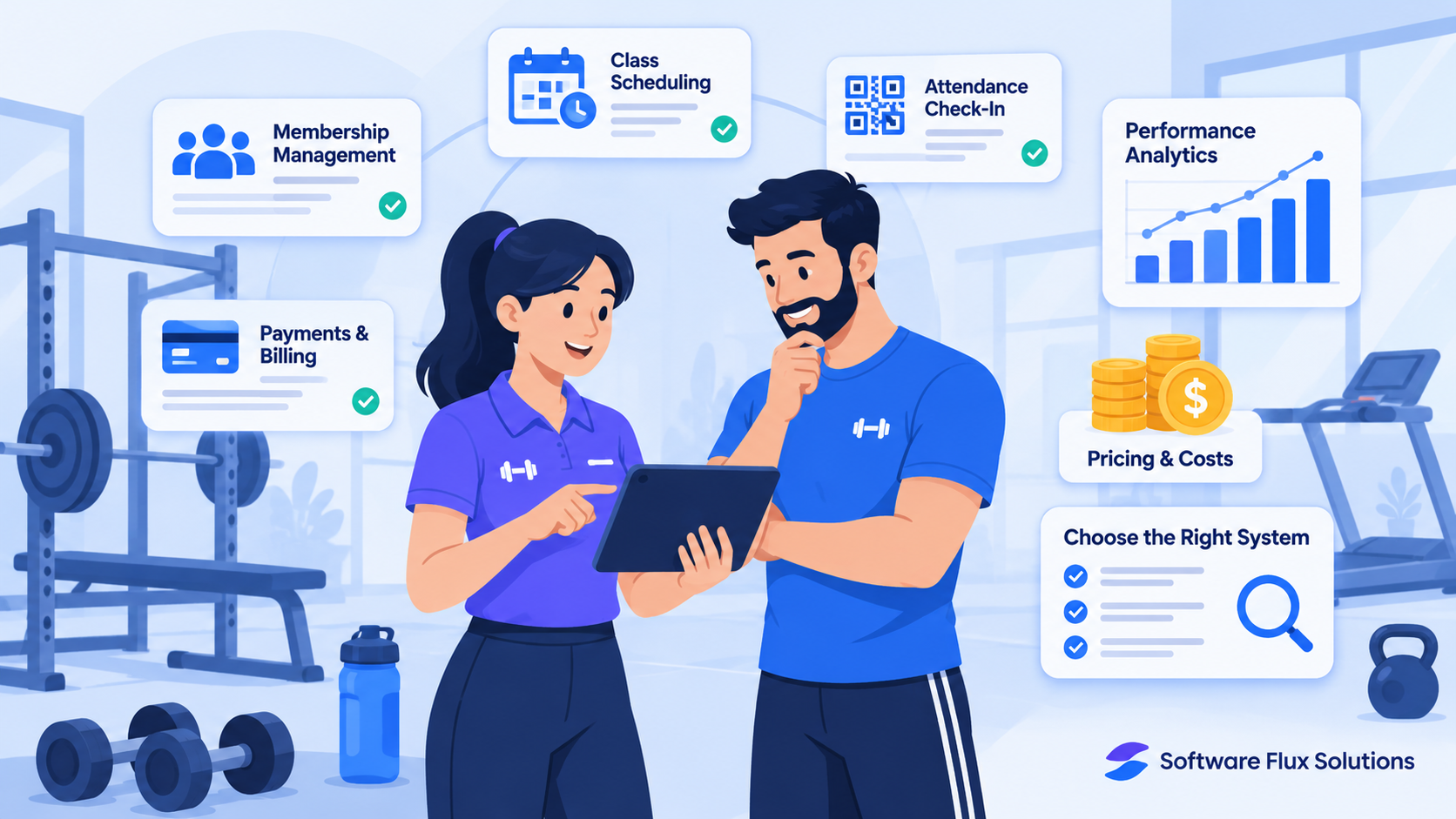
Gym management software brings memberships, recurring billing, class bookings, check-ins, and reporting into one platform. The right system connects these activities so staff can manage daily operations without repeatedly updating separate tools. Common platforms also offer member communication, mobile access, and facility-entry integrations.
However, a long feature list does not guarantee a good fit.
A class-based studio, an independent weightlifting gym, and a multi-location fitness business have different requirements. Your choice should reflect how you sell memberships, deliver training, collect payments, and support members.
This guide explains which capabilities to evaluate, how to compare costs, and when existing software makes more sense than custom SaaS development.
Table of Contents
- What Is Gym Management Software?
- Which Features Should You Prioritize?
- How to Evaluate Gym Software Before Buying
- How Much Does Gym Management Software Cost?
- Ready-Made Software vs Custom Development
- What Should a Custom Gym Software MVP Include?
- How to Switch Systems Without Creating Disruption
- Which Metrics Should You Track?
- Frequently Asked Questions
- Choose Software Around Your Gym’s Operations
What Is Gym Management Software?
Gym management software is a digital system for managing the administrative and member-facing activities of a fitness business.
Instead of keeping member records in spreadsheets, bookings in a separate calendar, and payments in another application, operators use connected records and workflows. Depending on the platform, these can include membership agreements, attendance, personal training appointments, retail sales, and automated messages.
For example, a member might purchase a plan online, book an eligible class, check in at reception, and receive a renewal reminder. Staff should be able to understand that journey without searching across disconnected records.
The important distinction is between storing information and acting on it. A useful system should help your team answer questions such as:
- Is this member eligible for tonight’s class?
- Has their membership been frozen?
- Did their latest payment fail?
- Can they enter another branch?
- Who needs a follow-up from the coaching team?
Which Features Should You Prioritize?
Start with the workflows your gym performs every day. Then assess advanced features against a specific business need.
Membership Management and Recurring Billing
Look beyond the ability to create a monthly plan. Ask whether the system supports your actual rules for annual memberships, class packs, family accounts, freezes, upgrades, cancellations, and refunds.
Billing deserves a separate demonstration. Platforms such as Glofox and Wellyx describe recurring payments and failed-payment workflows, but you still need to verify the exact behavior included in your chosen plan.
Ask the provider to demonstrate a failed renewal, a successful retry, and the resulting membership status. Confirm whether staff can override decisions and whether those changes are recorded.
Class Scheduling and Personal Training
A calendar is only the starting point. Your gym may need capacity limits, waitlists, cancellation windows, trainer availability, room allocation, and different booking permissions for different plans.
If scheduling is unusually complex, review the principles behind custom booking system development before deciding whether a standard platform can accommodate it.
Test what happens when two people try to reserve the final place. Also check whether a cancelled booking returns a class credit correctly.
Member Onboarding and Self-Service
A prospective member should understand what they are buying, what happens next, and how to get help.
Evaluate registration forms, agreement acceptance, payment setup, booking confirmation, and account recovery. Thoughtful UI/UX design can help identify confusing steps before they become support requests.
Your public website matters too. If visitors struggle to find plans or reach registration, improving the website and member portal may be part of the solution rather than replacing the entire management platform.
Check-Ins and Facility Access
Attendance tracking and door access are related, but they are not interchangeable. Recording a visit does not necessarily mean a system can control physical entry.
GymMaster and Gymdesk describe access linked to memberships, while other platforms use compatible hardware or integrations. Verify the precise setup, hardware costs, permissions, and limitations before purchasing.
Ask what happens during an internet outage, how lost credentials are revoked, and who supports a malfunctioning door reader.
Mobile Experience
Many platforms provide apps for bookings, payments, membership management, or staff tasks. However, a shared vendor app and an app published under your gym’s brand are different offerings.
Before commissioning mobile app development, decide which member activities genuinely require an app. A responsive portal may be sufficient for an initial launch.
Reporting, Permissions, and Integrations
Owners, receptionists, trainers, and accountants do not need identical access.
Request role-specific demonstrations and sample reports. For a custom platform, discuss role-based access and API-first architecture during requirements planning.
For integrations, document exactly what must move between systems. Your booking integration requirements should specify whether information flows one way or both ways, how quickly updates appear, and what happens when an integration fails.
How to Evaluate Gym Software Before Buying
Do not let a polished sales presentation replace operational testing. Give every shortlisted provider the same scenarios.
| Evaluation area | Ask the provider to demonstrate | Warning sign |
|---|---|---|
| Membership changes | Freeze a plan and show the next billing date | Staff must recalculate everything manually |
| Failed payments | Retry a charge and explain access consequences | Nobody can explain the account status |
| Scheduling | Cancel a full class booking and promote a waitlisted member | Staff must update disconnected lists |
| Permissions | Sign in as a trainer and receptionist | Every staff account has administrator access |
| Reporting | Export collections, refunds, and outstanding balances | Reports cannot be reconciled |
| Data portability | Export sample member and membership records | Export scope or charges remain unclear |
This is a proposed evaluation framework, not a scorecard claiming that particular vendors fail these tests.
Include the people who will use the software. Ask a receptionist to register a member, a trainer to check a schedule, and a member to cancel a booking.
A focused usability-testing session can reveal friction that feature comparisons miss.
Score each requirement as essential, useful, or optional. A platform that handles every essential workflow may be a better choice than one with more features but weaker everyday usability.
How Much Does Gym Management Software Cost?
There is no single standard price.
At the time of review, Gymdesk advertised pricing from $75 per month for up to 50 members. Wellyx advertised plans from $79 per month, with optional charges for a branded app, access-control hardware, and payment processing. These are starting offers, not directly equivalent packages or guaranteed quotes for your gym.
Compare the complete operating cost rather than the headline subscription.
Ask for written details covering:
- Subscription fees at your current and projected member counts.
- Additional locations or staff accounts.
- Card and bank-payment processing.
- Messaging allowances and overage charges.
- Branded apps and premium integrations.
- Entry hardware, installation, and replacement.
- Migration, training, and ongoing support.
- Cancellation terms and data exports.
For planning purposes, total ownership cost should include setup, recurring charges, transaction-related expenses, and the staff time needed to operate the system.
Request quotes for several realistic growth scenarios. A package that looks economical today may change when you add another location or cross a membership threshold.
If you are considering custom development, request an itemized scope across software development services. Separate initial delivery from hosting, maintenance, support, and future improvements. Avoid treating a generic online estimate as a project quote.
Ready-Made Software vs Custom Development
Existing software is worth evaluating first when it supports your essential workflows. Custom development deserves consideration when important requirements remain unresolved after a serious product assessment.
Neither option is automatically better.
| Decision factor | Ready-made gym software | Custom gym software |
|---|---|---|
| Initial setup | Configure the provider’s existing platform | Design, build, integrate, and test your solution |
| Workflow flexibility | Limited by available settings and integrations | Defined by agreed scope and engineering constraints |
| Upfront spending | Usually subscription and setup-related | Includes discovery and development investment |
| Ongoing responsibility | Shared according to the service agreement | Must be allocated across hosting, support, and maintenance |
| Product roadmap | Primarily controlled by the vendor | Prioritized by your business within available resources |
| Data portability | Depends on export tools and contract terms | Depends on architecture, documentation, and ownership terms |
When Buying Makes Sense
An existing platform may be appropriate when your memberships, bookings, payments, and reporting requirements are well supported.
It can also let a new gym focus on validating its operating model before funding a separate software product.
Even for founders planning proprietary software, the discipline of SaaS MVP development helps distinguish essential requirements from future ideas.
When Building Deserves Consideration
Consider a custom system when a verified requirement creates substantial operational friction.
Examples might include unusual corporate memberships, specialized branch-access rules, proprietary coaching workflows, or integrations unavailable through shortlisted vendors.
If you intend to sell the platform to other gym businesses, discuss multi-tenant SaaS development separately. Serving independent organizations introduces requirements beyond operating several branches of one company.
Custom development does not automatically create unlimited scalability, effortless integrations, or lower costs. Those outcomes depend on implementation, third-party limitations, and ongoing investment.
What Should a Custom Gym Software MVP Include?
A minimum viable product should complete the core member journey reliably.
For many initial scopes, that journey includes registration, membership selection, payment, booking, and attendance. The exact scope should follow user research rather than a competitor’s feature list.
1. Define Users and Business Rules
Document what owners, receptionists, trainers, and members need to accomplish.
Write down exceptions such as freezes, overdue payments, refunds, expired class credits, and booking cancellations. Your MVP planning process should identify which exceptions must work at launch.
2. Prototype Important Workflows
Create testable screens for joining, booking, checking in, and resolving account problems.
Use wireframing and prototyping to gather feedback before committing to full development.
3. Test Complete Journeys
Test successful actions and failure conditions. What happens when a payment fails after registration, a booking request is repeated, or a trainer loses connectivity?
Where apps are included, make mobile application testing part of acceptance planning rather than a final visual check.
4. Assign Operational Ownership
Before launch, identify who monitors failures, answers support requests, manages releases, and restores service.
A working demo is not the same as an operationally supported product.
How to Switch Systems Without Creating Disruption
Migration needs a plan, even when a provider offers onboarding assistance. Wellyx and Gymdesk describe migration support, but your gym still needs to confirm which records and workflows are included.
Use this checklist:
- Inventory members, plans, balances, bookings, agreements, and staff records.
- Remove duplicates and correct inconsistent information.
- Agree on how old records map into the new system.
- Confirm payment-method migration options with the relevant providers.
- Import a sample and reconcile totals.
- Test recurring billing and access rules.
- Train staff using realistic scenarios.
- Explain changes to members.
- Schedule cutover and define a rollback procedure.
- Review early transactions and support requests.
Payment credentials require specific attention. Do not assume they can be transferred like ordinary spreadsheet data.
Also check your public signup forms, timetable embeds, and portal links. Coordinating these changes with website development support helps keep the member journey connected during the transition.
Which Metrics Should You Track?
Define success before implementation.
Useful measures include collection success, outstanding balances, booking completion, class occupancy, no-show rates, attendance trends, cancellations, and administrative time.
Specify each metric carefully. For example, choose whether collection success means the first payment attempt or collection after retries. Define which cancellations count toward membership churn.
Then establish a baseline and compare equivalent periods. A busy seasonal month should not automatically be credited to the software.
Reporting should support action. If attendance drops, decide who follows up. If a class repeatedly fills its waitlist, review scheduling and capacity. A dashboard alone does not improve the operation.
Frequently Asked Questions
What is the best gym management software for a small gym?
The best fit depends on your memberships, payment methods, booking needs, and support requirements. Shortlist platforms against essential workflows, then compare complete costs. Do not select solely on a vendor’s “best” claim or starting subscription price.
Can gym software manage personal training and group classes?
Many platforms support both. Glofox and GymMaster describe class and personal-training bookings, but you should verify trainer availability, package credits, cancellation rules, and resource conflicts for your chosen setup.
Can gym management software work with WordPress?
Yes, some platforms support integrations with existing WordPress websites. Gymdesk explicitly describes this capability. Confirm whether your intended integration includes timetables, forms, account access, or bookings rather than assuming everything is included.
Can members enter a gym without reception staff?
Some systems support automated entry through compatible access-control hardware. Confirm the installation requirements, offline behavior, account rules, and support arrangements. Access-control software alone does not address every operational requirement of running an unattended facility.
Does my gym need a branded mobile app?
Not necessarily. Start with the tasks members need to complete. Compare a responsive portal, the vendor’s shared app, and a branded app before choosing. Check additional fees and ongoing publishing responsibilities.
How long does implementation take?
There is no universal timeline. Configuration, data quality, integrations, hardware, training, and testing all affect the schedule. Ask the provider for a plan based on your actual records and requirements.
Will software automatically improve retention?
No. It can support attendance monitoring, communication, and follow-up, but outcomes also depend on coaching, service, and member relationships. Wellyx makes this distinction in its retention guidance.
Choose Software Around Your Gym’s Operations
Choose gym management software by testing how it handles your memberships, collections, bookings, access, and reporting.
Start with essential workflows, compare complete costs, and evaluate support and migration before committing. If existing products meet your needs, buying may be the right decision.
If important requirements remain unresolved, review a development partner’s relevant project portfolio and ask how they would validate the problem before building.
Software Flux Solution offers discovery, architecture, subscription billing integrations, and ongoing product development through its SaaS development services. Share your operating rules and integration needs to assess whether configuration, integration work, or custom development is the appropriate next step.

Zainab Bibi
Senior SAAS Project Manager
1+ Years of Experience in SAAS Projects Management