What Is Interaction Design (IxD)? Definition, Process & How It Differs From UX
What Is Interaction Design (IxD)? Definition, Process & How It Differs From UX
Quick Summary
Interaction design (IxD) is the practice of designing how a user interacts with a product, the specific behaviors, responses, and feedback that happen when someone clicks, taps, swipes, or types. It’s a focused subset of UX design, dealing specifically with the mechanics of interaction rather than the entire user journey. Where UX design covers research, structure, and the full experience, interaction design zooms in on a narrower question: what happens the moment a user takes an action?
Table of Contents
- What Is Interaction Design?
- What Does IxD Stand For?
- Real-World Examples of Interaction Design
- Interaction Design vs UX Design
- The Interaction Design Process
- Core Principles of Interaction Design
- The 5 Dimensions of Interaction Design
- Types of Interaction Design
- What Does an Interaction Designer Do?
- FAQs
What Is Interaction Design?
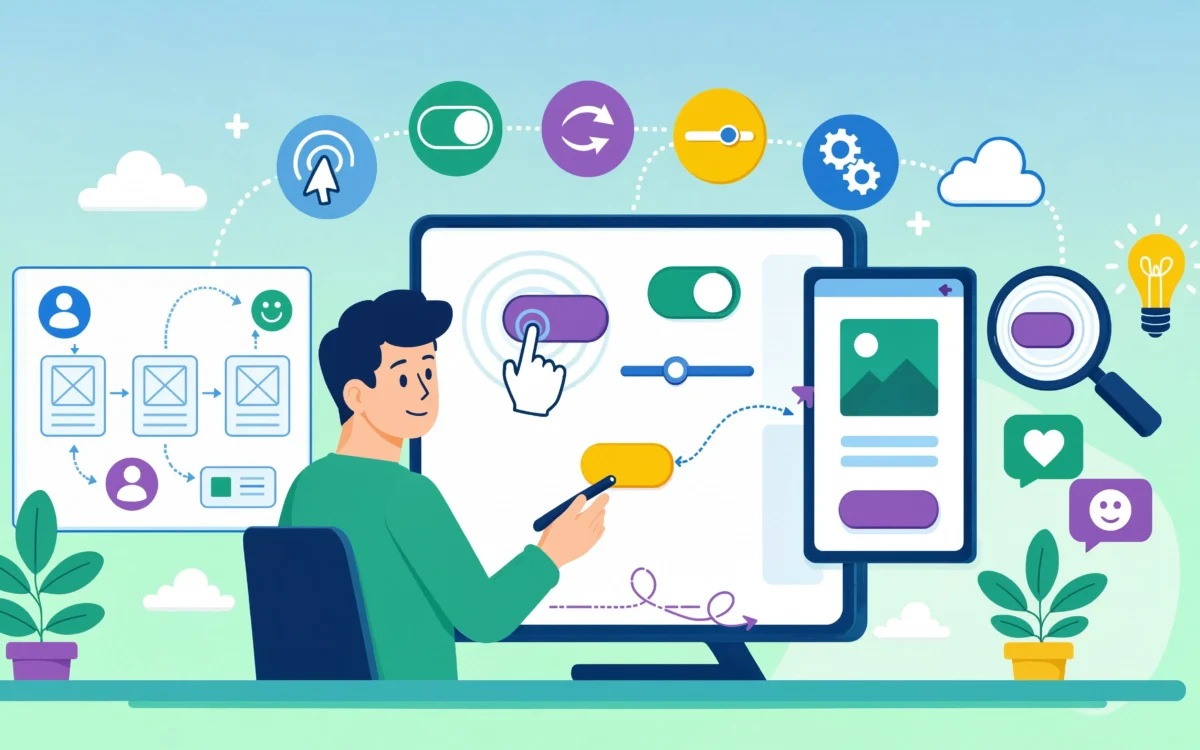
Interaction design is the discipline focused on designing the behavior of digital products, how a system responds to a user’s actions, and how that response guides the user’s next step. It’s less about the overall structure of a product (that’s UX) and less about visual styling (that’s UI or graphic design, covered in more depth in our breakdown of UX design versus graphic design), and more about the moment-to-moment mechanics: what happens when a button is pressed, how a menu expands, what feedback confirms an action succeeded, or how a form communicates an error.
Good interaction design is often invisible, you don’t notice it when it works, only when it doesn’t. A button that doesn’t look clickable, a loading state with no feedback, or a swipe gesture that behaves unpredictably are all interaction design failures, even if the visual design is polished. This is also where interaction design quietly shapes the broader customer experience, since every small interaction a user has adds up to how trustworthy and competent the product feels overall.
What Does IxD Stand For?
IxD is the standard abbreviation for interaction design. The “x” is used instead of a hyphen or the word “and” simply as a shorthand convention within the design industry, similar to how “UX” and “UI” are abbreviated. When you see “IxD” in a job title, course, or article, it refers specifically to this discipline, not a typo or unrelated term.
If you’re searching specifically for the IxD full form: it stands for interaction design, nothing more exotic than that. The lowercase “x” is a styling convention, not a different word.
Real-World Examples of Interaction Design
Interaction design is easiest to spot once you know what to look for. A few examples you’ve almost certainly used today without thinking about them:
- The “typing…” indicator in a messaging app, feedback that tells you someone is responding before their message arrives.
- Pull-to-refresh on a mobile feed, a gesture paired with a visual cue that confirms the action is working.
- Swipe gestures on dating or shopping apps, a single motion mapped to a clear, binary decision.
- Autocomplete and search suggestions, the system predicting intent and reducing the effort needed to complete an action.
- A “like” button micro-animation, a small, immediate visual confirmation that an action registered.
- Drag-and-drop reordering in a task list or file manager, direct manipulation that mirrors a physical action.
- Form validation that appears as you type, rather than only after submission, catching errors at the moment they happen instead of after the fact.
Each of these is a small decision about behavior and feedback, not visual styling, which is exactly the line that separates interaction design from UI design. For a mobile product specifically, these decisions tend to carry even more weight, since gestures and feedback are often the entire interface, something our mobile app development team plans for from the first wireframe. For businesses building their own product, this is also where interaction design decisions have the most direct effect on conversion and retention, our UI/UX design services cover exactly this layer of a build, and it’s a recurring theme in what separates great SaaS products from merely functional ones.
Interaction Design vs UX Design
This comparison comes up constantly, and the confusion is understandable since IxD is often described as part of UX rather than separate from it.
| Interaction Design (IxD) | UX Design | |
|---|---|---|
| Scope | Specific interactions and system responses | The entire user journey and experience |
| Focus | Micro-level: clicks, gestures, feedback, transitions | Macro-level: research, structure, flows, usability |
| Typical deliverables | Interaction patterns, motion/feedback specs, prototypes | Personas, journey maps, wireframes, full flows |
| Question it answers | “What happens when the user does this?” | “Can the user achieve their goal easily overall?” |
Think of UX design as the architecture of the entire experience, and interaction design as the door handles, light switches, and hinges within it, the small mechanics that determine whether each moment feels smooth or frustrating. For a deeper look at how UX design works as a whole, see our guide on what UX design means and covers, and for practical ways to strengthen the experience your product already has, our guide on how to improve user experience walks through the process step by step.
The Interaction Design Process
Interaction designers typically work through a structured process to define how a product behaves:
- Understand user goals – What is the user trying to do at this specific point?
- Define possible actions – What can the user do (click, swipe, type, drag)?
- Design system responses – What happens after each action, confirmation, error, transition?
- Prototype interactions – Build interactive, testable versions of the behavior, not just static screens
- Test and refine – Observe real users interacting with the prototype to catch confusing or unclear responses
This process usually happens within the broader UX design process, applied specifically to the interactive elements of a product rather than its overall structure. On a full SaaS product development timeline, this is typically where the design phase hands off into engineering, and for early-stage products the prototyping step often overlaps directly with SaaS MVP development, since a testable interaction prototype and a lean first version of the product are frequently the same artifact. Teams that map out their full SaaS development life cycle in advance tend to budget realistic time for this stage instead of treating it as an afterthought squeezed in before launch.
Core Principles of Interaction Design
Well-established principles guide most interaction design decisions:
- Feedback – Every user action should produce a clear, immediate response (a button press should visibly confirm it was pressed)
- Consistency – Similar actions should behave the same way throughout a product
- Affordance – Elements should visually suggest how they can be used (a button should look clickable)
- Constraints – Limiting available actions at the right moments prevents user error
- Discoverability – Users should be able to find and understand available actions without instructions
The 5 Dimensions of Interaction Design
Interaction design academic Gillian Crampton Smith first defined four dimensions that make up every interactive product, interaction designer Kevin Silver later added a fifth. Together they’re the standard framework for breaking down what an interaction designer is actually shaping:
- Words. The language used in buttons, labels, and messages. Words set expectations, a button labelled “Delete” communicates something very different from one labelled “Remove.”
- Visual representations. Icons, typography, and imagery that communicate information and state, separate from the layout itself.
- Physical objects or space. The device and input method a user relies on, a touchscreen, a mouse, a keyboard, a voice interface, which shapes what interactions are even possible.
- Time. Everything that changes or moves over time: animations, transitions, sound, and how a product behaves across a longer session.
- Behavior. How a product responds to a user’s actions and how the user, in turn, reacts to that response, the dimension that ties the other four together into an actual dialogue.
Most of the examples earlier in this guide are really just these five dimensions working together, a “typing…” indicator, for instance, combines words, visual representation, and time into a single piece of behavior.
Types of Interaction Design
Interaction design isn’t limited to tapping a screen. It generally falls into a few broad categories, based on how the user and the product communicate:
- Graphical interaction – the most common type, clicking, tapping, and scrolling through a visual interface.
- Gestural interaction – swipes, pinches, and drags on touchscreens, where the gesture itself carries meaning.
- Voice and conversational interaction – voice assistants and chatbots, where words and tone replace visual elements as the primary interface.
- Spatial and tangible interaction – augmented reality, virtual reality, and connected physical devices, where the interaction extends into real or simulated physical space.
- Motion-based interaction – animations and transitions that communicate state changes, often working alongside one of the types above rather than standing alone.
Most digital products combine at least two of these, a mobile app might rely primarily on graphical and gestural interaction while layering in motion to reinforce feedback. Custom-built platforms have an advantage here, since the interaction model can be designed around the specific audience and device rather than inherited from a generic template, which is one of the reasons businesses commissioning custom application development treat interaction design as part of the technical spec rather than a cosmetic pass at the end.
What Does an Interaction Designer Do?
An interaction designer focuses on defining and prototyping how users engage with a product’s interface, deciding things like how a dropdown expands, what happens during a loading state, how drag-and-drop behaves, or how error messages appear. In smaller teams or when outsourcing software development this role is often folded into a broader “UX/UI designer” title, since not every company has the scale to separate interaction design into its own dedicated position. In larger product teams, it may exist as a distinct role working closely alongside UX researchers and UI designers, and in agency settings it’s frequently one of several disciplines covered under a broader software development consulting engagement.
Businesses evaluating a SaaS website design agency or a software development partner should ask directly who owns interaction decisions on the project, the answer reveals a lot about how seriously a vendor treats this layer of the product.
FAQs
What is interaction design in simple terms? Interaction design is the practice of designing how a product responds to a user’s actions, clicks, taps, gestures, so those interactions feel clear and predictable.
What is IxD? IxD is the abbreviation for interaction design, the discipline focused on the behavior and responses within a digital product’s interface.
What is the difference between interaction design and UX design? Interaction design focuses on specific interactions and system responses, while UX design covers the entire user experience, including research, structure, and overall usability.
Is interaction design part of UX design? Yes. Interaction design is generally considered a subset of UX design, focused specifically on the mechanics of user interaction rather than the full experience.
What is the interaction design process? It typically involves understanding user goals, defining possible actions, designing system responses, prototyping those interactions, and testing them with real users.
What’s the difference between interaction design and UI design? UI design is concerned with how an interface looks, layout, color, typography. Interaction design is concerned with how it behaves, what happens when a user acts on it. The two overlap constantly in practice, a single button involves both its visual styling (UI) and the feedback it gives when pressed (IxD).
What does the abbreviation IxD stand for? IxD stands for interaction design. It’s written with a lowercase “x” by convention, not because it stands for anything beyond the word “and.”
Further Reading
A few more guides worth reading if you’re planning a build where interaction design, product design, or development all need to line up:
- How to Improve User Experience
- How to Choose a Software Development Company in the US
- Best Software Development Company: How to Choose
- Software Product Development: Idea to Market
- Custom App Development Services: Cost Guide
Want interactions in your product to feel effortless, not just look good? Explore our UI/UX design services or talk to our team about your next build.

Zainab Bibi
Senior SAAS Project Manager
1+ Years of Experience in SAAS Projects Management